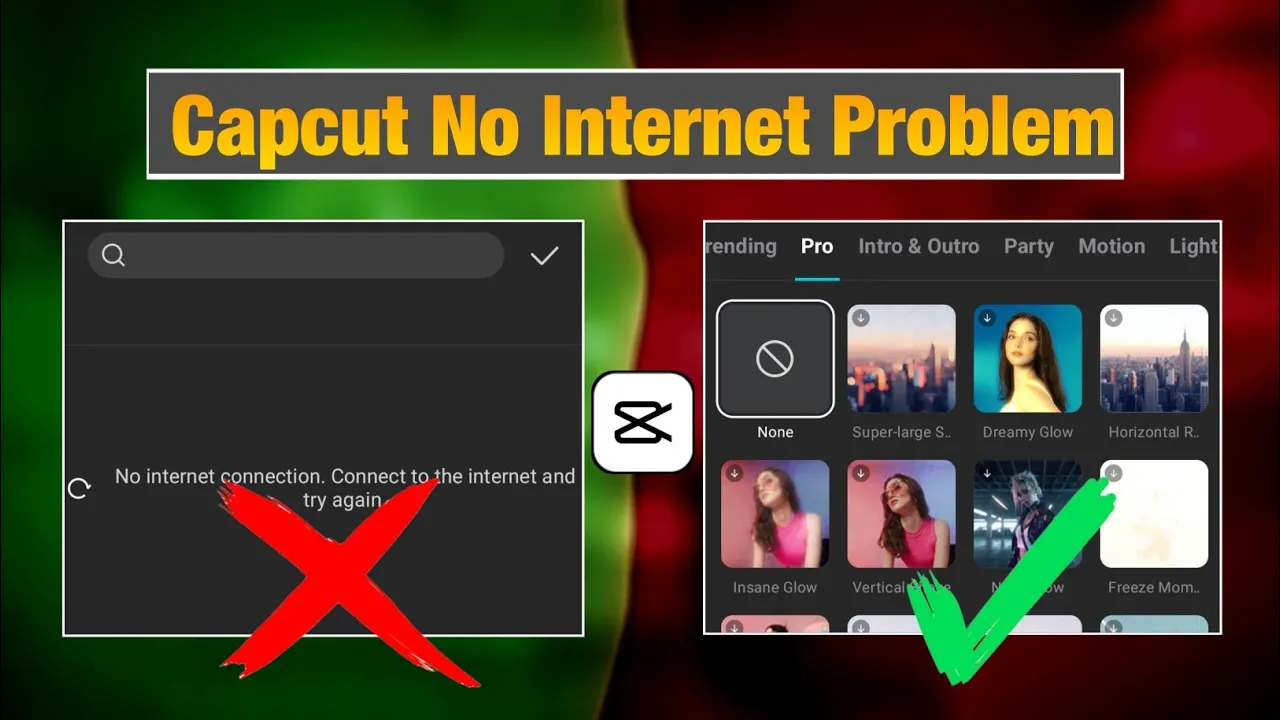
Hey guys, welcome back to another tutorial! If you’re trying to edit videos in CPK (Capkart app) but keep getting the annoying “No Internet Connection” error—even when your internet is working—don’t worry. In this guide, I’ll show you a permanent fix in just two simple steps. After this, you’ll be able to edit your videos smoothly without facing this problem again.
Step 1: Reinstall the Latest Version of CPK (Capkart)
First, you need to uninstall the old version of the Capkart app from your phone. Once uninstalled, go to the Google Play Store and install the latest version of Capkart. As of now, the latest version is 15.10.5. Always make sure you’re using the updated version for better performance.
👉 For the latest updates and resources related to CPK, you can also check out different Telegram communities where editors share fixes and tools.
Once installed, press and hold the CPK app icon → go to App Info → tap on Storage → then Clear Data. This removes the previous corrupted cache and resets the app.
Step 2: Use a VPN Connection
Now, the second step is to use a VPN app. Even though your internet works fine, CPK sometimes requires a VPN connection to bypass regional restrictions.
- Open Google Play Store and search for “VPN”.
- You’ll see plenty of free VPN apps such as Proxy VPN or VPN Super Unlimited Proxy. Install any one of them.
- Open the VPN app and connect to any server. (It doesn’t matter which server you choose for CPK.)
Once connected, open CPK again. This time, you won’t see the “No Internet Connection” message.
Editing Videos Without Errors
After following the above steps, you can start editing videos without interruptions. Inside the CPK app:
- Enable Business Creator Mode from settings.
- Access all templates without facing the “No Internet” issue.
- Edit videos by trimming, adding effects, transitions, and animations.
- Even Pro Effects work smoothly without errors.
- Export your video without any disconnection issues.
Basically, once you apply the two-step fix, CPK works just like a premium editing app with no restrictions.
Final Thoughts
So guys, that’s how you can permanently fix the “No Internet Connection” issue in CPK. Just by reinstalling the latest version and using a free VPN, you can unlock smooth editing without interruptions.
If you found this guide helpful, don’t forget to share it with your friends. And if you’re new here, make sure to subscribe for more tips and tutorials on video editing and AI tools.
Helpful Links
- Download Capkart (CapCut) Latest Version
- Top Free VPN Apps on Play Store
- Professional Video Editing with Adobe Premiere Pro
Alright guys, that’s all for today’s tutorial. See you in the next one!
💬 Join our WhatsApp Channel for updates!
👉 Click here to join