Create Celebrity Selfies with Google Gemini – Step by Step Tutorial
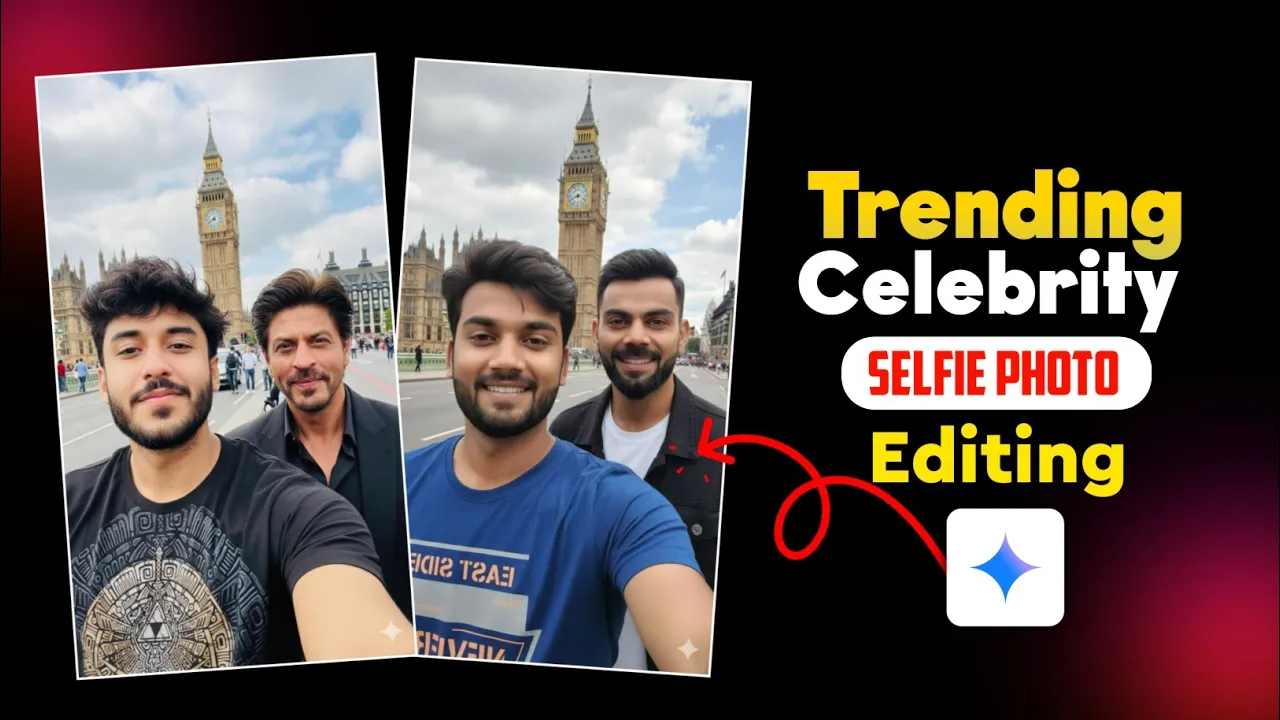
Hey guys! Right now, a super trending editing style on Instagram is selfies with celebrities. People are posting pictures as if they clicked a selfie with famous personalities like Virat Kohli or Shah Rukh Khan. Sounds cool, right? In this post, I’ll show you how you can easily create such celebrity selfies using Google Gemini.
Why Celebrity Selfies Are Trending
Instagram is always full of creative trends, and celebrity selfies are the latest one. Instead of waiting for a real-life encounter, you can generate realistic selfies with your favorite stars instantly. The best part? You only need your normal photo and the free Google Gemini app.
Step 1: Install Google Gemini
If you don’t already have the Gemini app, head over to the Google Play Store, search for “Gemini,” and install it. Once installed, open the app.
Step 2: Upload Your Photo
After opening Gemini, you’ll see a clean interface. Click on the plus (+) icon, then select a selfie from your gallery. This is the photo you want to edit with a celebrity.
Step 3: Add a Celebrity Prompt
Now comes the fun part. To generate your selfie with a celebrity, type a prompt. For example:
“Make this photo a selfie with Virat Kohli in London Big Ben.”
You can replace “Virat Kohli” with any other celebrity, like Shah Rukh Khan, and even change the location. Just write your desired scene in English.
Step 4: Generate Your Celebrity Selfie
Hit send, and within 30 seconds, Google Gemini will generate your photo. The result will look like you actually clicked a selfie with the celebrity in the mentioned location.
Step 5: Save or Regenerate
If you’re happy with the result, simply click the download button to save it to your gallery. If the photo doesn’t come out as expected, go back, tweak your prompt, and regenerate. You can repeat this until you’re satisfied.
Examples
For instance:
- “Make this photo a selfie with Shah Rukh Khan at Taj Mahal.”
- “Make this photo a selfie with Virat Kohli in New York Times Square.”
With a few adjustments, you can create as many versions as you like.
Why Use Google Gemini?
Google Gemini is one of the most powerful AI tools available today. It lets you create realistic edits, captions, and even enhance your content with just a few words. For editing selfies with celebrities, it is free, fast, and beginner-friendly.
Final Thoughts
And that’s it! With just a few clicks, you can turn your normal selfies into viral celebrity edits using Google Gemini. Try experimenting with different celebrities and locations to make your photos stand out on Instagram.
If you enjoyed this guide, don’t forget to like and share. Also, check out more amazing tools for editing:
- Adobe Express – Easy online editing
- Canva – For creative photo edits
- Remove.bg – For removing backgrounds instantly
Stay tuned for more tutorials. Until next time, happy editing!
💬 Join our WhatsApp Channel for updates!
👉 Click here to join