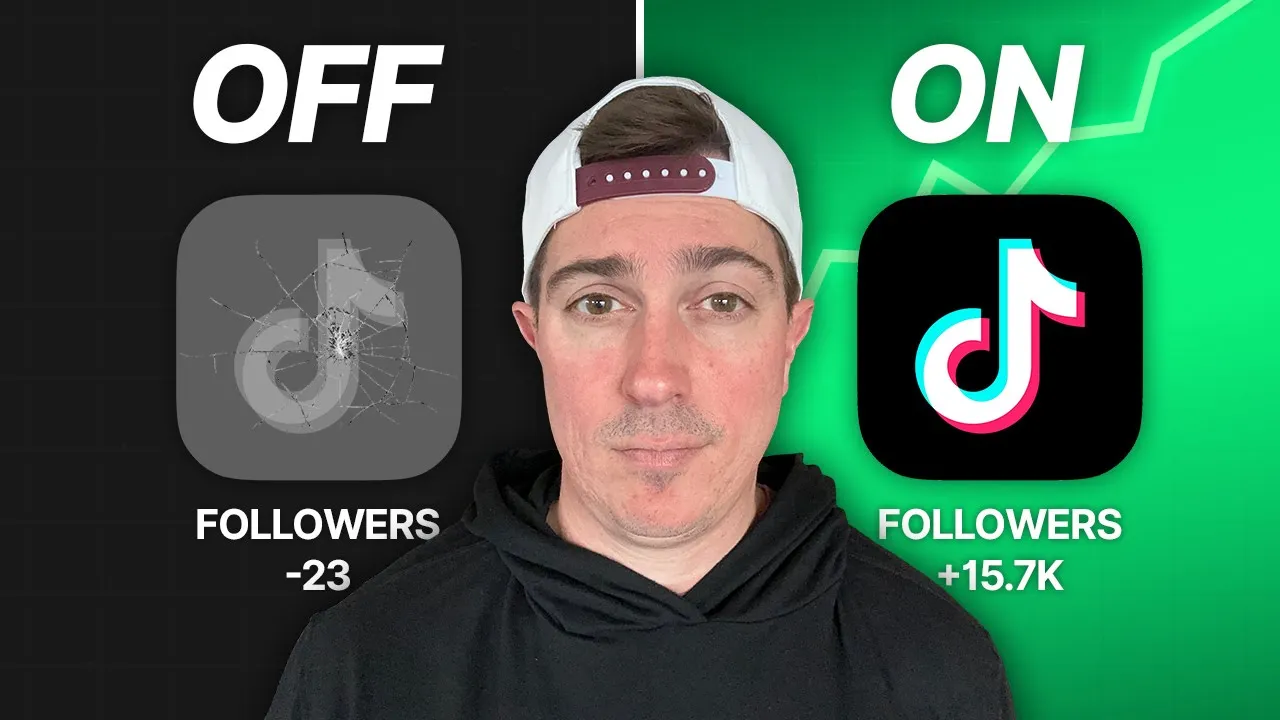
7 TikTok Settings You Must Turn On Right Now to Maximize Growth
If you’re serious about growing on TikTok, there are seven simple settings you need to fix immediately. These are not complicated hacks or secret tricks, but they can make a huge difference in how many views and followers your videos get.
Most creators ignore these basics and then wonder why they’re stuck in the 200–300 view range. If you listen carefully and apply each one, you’ll give the TikTok algorithm exactly what it needs to push your content to the right people.
1. Optimize Your Account Name for TikTok SEO
This is not your username. It’s the account name that appears at the very top of your profile — and it’s the only real SEO opportunity tied directly to your account.
TikTok works like a search engine now. For example, if someone types “weight loss” into TikTok search and taps on Users, TikTok shows accounts that include relevant keywords like weight loss coach in their account name.
That means if your ideal viewer searches for help, TikTok already knows who to show first.
What to do:
- Go to Edit Profile
- Tap on Name
- Add your name, a vertical bar (|), and a keyword you want to rank for
Example: John Smith | TikTok Growth Coach
This helps you show up in search and also helps TikTok categorize your account, which directly leads to more views.
2. Use a Creator Account (Not a Business Account)
Your account type directly affects your features, monetization options, and even your early views.
Go to Settings & Privacy → Account. If you see “Switch to Business Account,” do not click it.
You should stay on a Creator Account.
Why?
- Creator accounts have unrestricted access to trending sounds
- Business accounts are limited and often get lower reach
- Business accounts do not qualify for the TikTok Creator Rewards Program
Yes, you won’t get a link in your bio until 1,000 followers — but honestly, if you don’t have 1,000 followers yet, your main focus should be learning how to create content that gets views.
Once you grow, monetization becomes easy.
You can learn more about creator vs business accounts directly from TikTok here:
TikTok Business Help Center
3. Turn Off “Suggest Your Account to Others” (Escape 200-View Jail)
This is the biggest reason people get stuck with low views.
Go to Settings → Privacy and make sure your account is not private. Then scroll to Suggest your account to others.
Turn OFF:
- Contacts
- Facebook friends
- People who open or send links to you
Also make sure you are not syncing contacts or Facebook.
Why this matters:
TikTok needs to understand who your content is for. If your videos are first shown to family, friends, or contacts who are not interested in your niche, they won’t watch long — and TikTok assumes your content isn’t good.
Even if your grandma leaves a nice comment, you’re teaching the algorithm to show your videos to people who like cat videos instead of your actual target audience.
Turning this off forces TikTok to work harder to find your real ideal viewers, which leads to higher retention, more watch time, and bigger views.
4. Allow Reuse of Your Content (Duets & Stitches)
Inside Privacy settings, you’ll see options that control whether people can duet, stitch, or reuse your content.
Many creators turn this off because they’re afraid of criticism or people using their videos.
If you want fast growth, turn it ON for everyone.
This is basically free exposure. A duet is like someone sharing your video with their entire audience. Even negative stitches create engagement — and engagement leads to more reach.
Controversy isn’t bad. It helps you attract people who like you and naturally repel people who don’t.
5. Use TikTok’s Creator Assistant (Built-In AI Tool)
TikTok has its own AI tool called Creator Assistant.
You can find it by opening one of your videos → tapping More data → checking your analytics.
Creator Assistant analyzes your own content and helps you:
- Understand video quality
- Learn monetization options
- Improve future content performance
You can ask it questions like:
- “What makes a high-quality video?”
- “How can I increase watch time?”
- “How do I make money on TikTok?”
This tool pulls real data from your account, making it far more useful than generic advice.
6. Train Your “For You” Page Like a Pro Research Tool
This isn’t a setting — but it might as well be.
Your For You page can become the most powerful content research tool on the planet.
What to do:
- Scroll your For You feed
- Mark videos outside your niche as Not Interested
- Do the same for irrelevant ads
- Watch, like, or comment on videos in your niche
After 5–10 minutes, TikTok will only show you viral, proven content from your niche. Save those videos and reuse the ideas in your own style.
If you combine this with turning off contact suggestions for 30 days, your growth will be massive.
7. Use the Right Settings Every Time You Upload
When uploading a video, check these settings:
✔ Visibility & Reuse
- Make sure your post is visible to Everyone
- Allow content reuse
✔ Auto Captions
Captions boost views because many people watch without sound. This alone can significantly increase watch time.
✔ Smart Hashtags (Don’t Overthink)
Search your topic in TikTok and go to the Hashtags tab. Use hashtags in the 10,000–500,000 range.
Pick 4–5 relevant hashtags. Too many hashtags confuse the algorithm.
✔ Longer, Helpful Descriptions
Write valuable descriptions. People who read them fully increase loop time and watch duration.
At the end, use the @mention video feature to link your next relevant video. This signals TikTok that viewers watch multiple videos from you — a huge ranking factor.
Final Thoughts
Once your account settings are dialed in, it’s time to post consistently and follow a structured plan.
TikTok rewards creators who help viewers take the next step. Fix these settings, use proven content ideas, and guide people from one video to the next.
If you want deeper insight into how TikTok’s algorithm works, you can also check:
TikTok Newsroom
Apply these steps for the next 30 days, and you won’t be stuck in view jail anymore.
💬 Join our WhatsApp Channel for updates!
👉 Click here to join